EnjoyQuizMaster / PowerPoint build in design

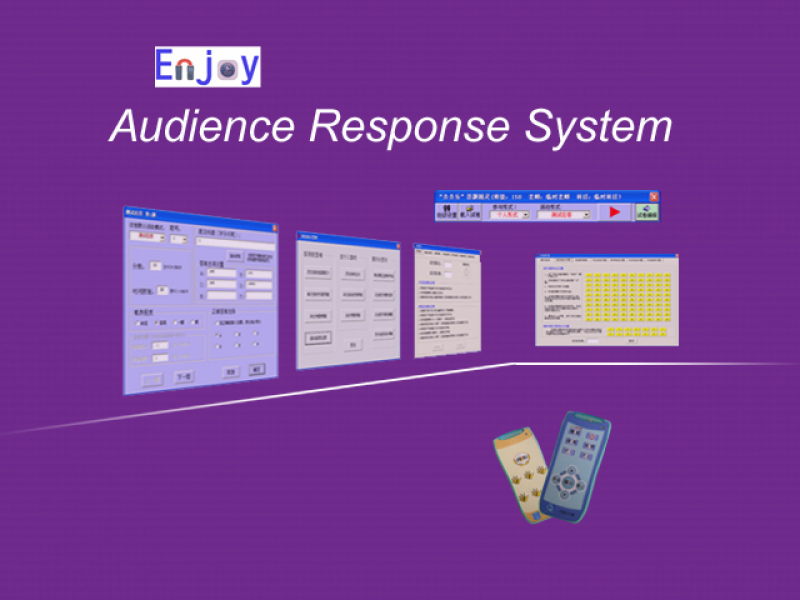
INTRODUCTION QuizMaster, t […]
INTRODUCTION

Application

  • Basic Use:
  • step1: Create a Class & Add audiences with Setting & Query. 

    Step2: How to create the quiz slide in PowerPoint and quiz master.

    Step3: How to present the quiz.

    Step4: How to check the reports of the quiz.

  • Advanced use:
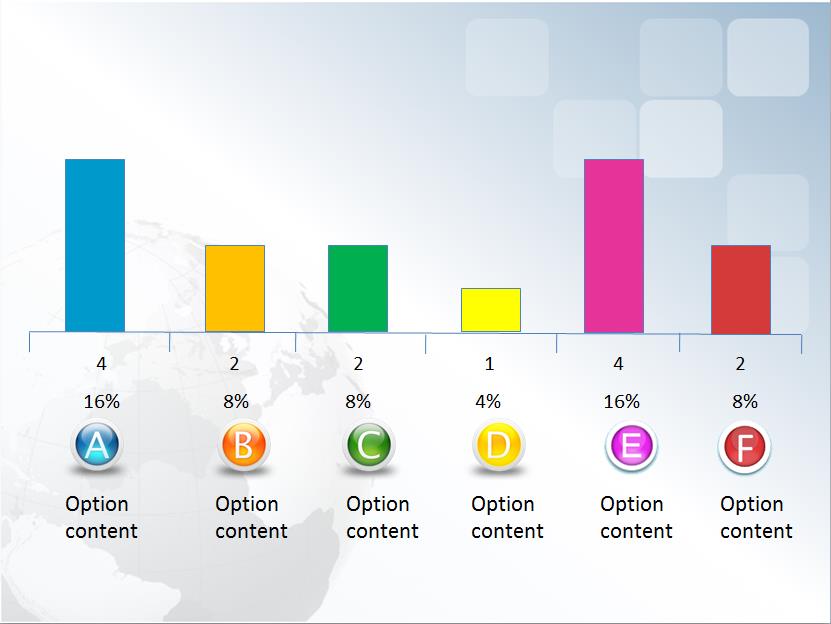
  • You can design your own histogram, top list and ID box display by special slide design function of QuizMaster.

    Who have used our system

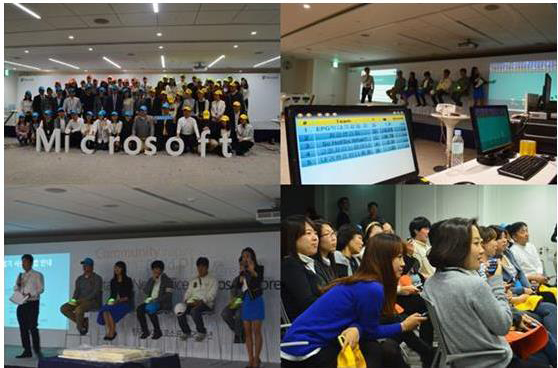
    Korea Lotte Cinema used Enjoy Clickers. (show the real-time result and ranking)

    Hyundai Motor Company used ENJOY wireless voting system. (customize the ID box and show the real-time result)


    Typical Case And Resources

  • Enjoy QuizMaster supports customizing your own quiz games,
  • say, Who Want To Be Millionaires, 1 VS 100, Family Feud,…etc.
  • 1VS100 you will find how Samsun company playing the game

  • and how to use Enjoy Event and game show product to make the game step by step.
  • Familyfeud

  • Enjoy Tech offers free templates so you can just copy and paste if you do not want to customize.

    4 Steps of how to use templates.

    If you want to templates to want to make similar game, please email us:

  • info@enjoyvote.com or call us directly at +8613316041506
  • Contact us

    Tel / Fax: 86-20-37212096
    Postcode: 510540
    MSN: enjoy-ars@hotmail.com
    SKYPE: enjoy-ars
    Email: info@enjoyvote.com, ada@enjoyvote.com
    WeChat: cxlweibo2011
    WhatsApp: +86 13316041506

    PRUDUCT CASES

    EnjoyQuizMaster / PowerPoint build in design
    This website uses cookies to improve your experience. By using this website you agree to our Data Protection Policy.
    Read more